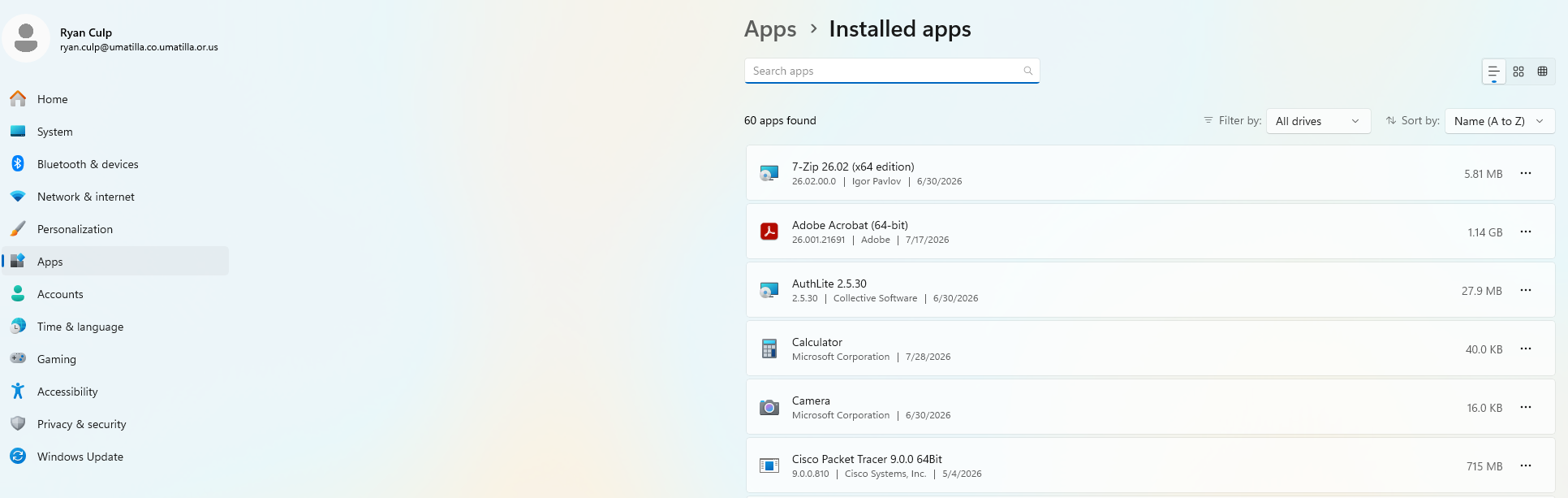
- Uninstall All apps listed under "HP" in the installed apps section.
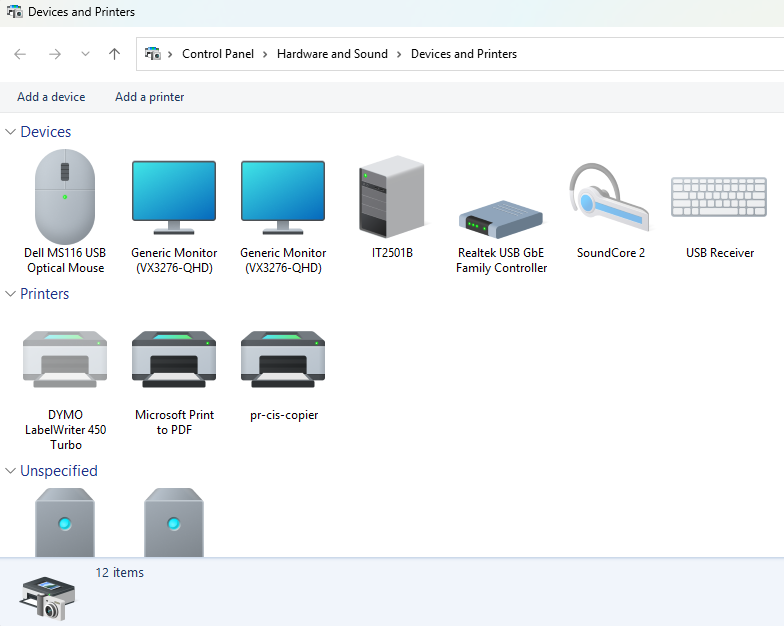
- With the scanner connected, open advanced devices manager and look for the scanner. Select "Remove Device" and then unplug the scanner from the pc.
- Restart the computer.
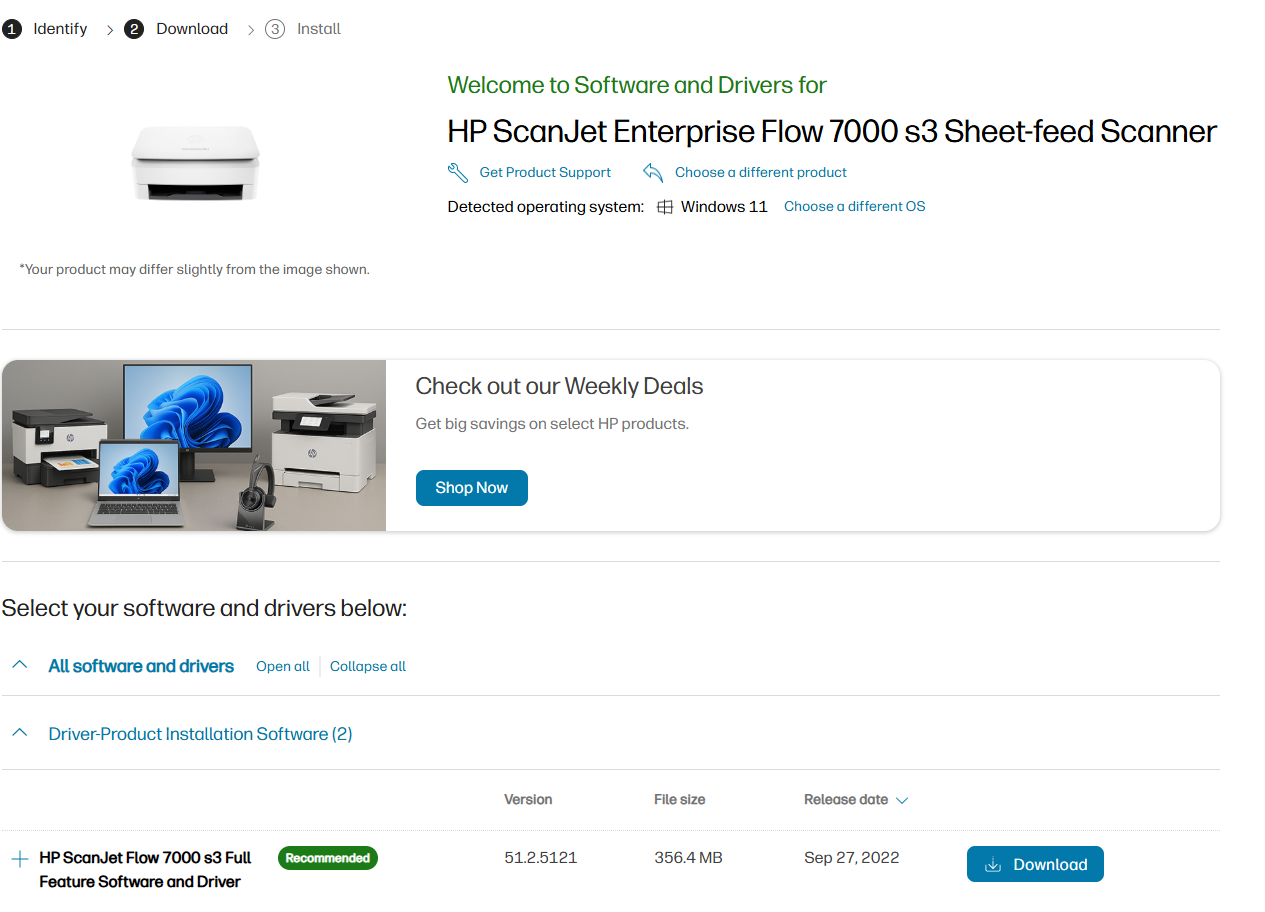
- Download and run the full package for the scanner under its name.
- Make sure the device is still disconnected.
- Make sure the device is still disconnected.
- Select manual setup.
- Plug the device in.
Was this article helpful?
That’s Great!
Thank you for your feedback
Sorry! We couldn't be helpful
Thank you for your feedback
Feedback sent
We appreciate your effort and will try to fix the article